No longer available
Data Plans for Reviews [Okendo]
This product has been discontinued or is no longer sold on its own. Browse our All Products collection, or talk to our team for a recommendation.


Start with a complete internet bundle (router, antenna, cables and setup help), or talk to an expert.
SEE INTERNET BUNDLESOr rent a router + plan →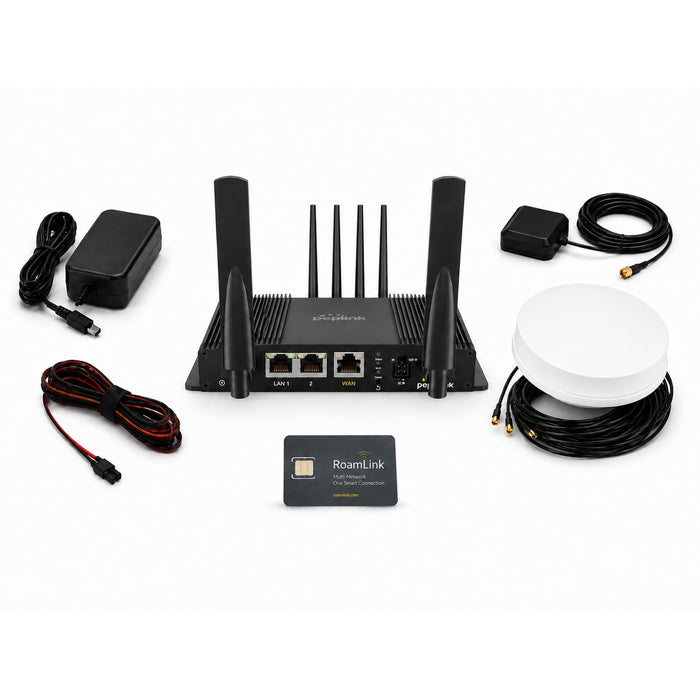
Pair Starlink with a Peplink router so you stay online when trees block the sky.
SEE ROUTERS
Answer a few quick picks and we build your plan, device and price.
HELP ME CHOOSE
Answer a few questions and get a complete, compatible power system.
START THE BUILDER
Take the 1-minute quiz and get the right filter for your setup.
TAKE THE QUIZ

No longer available
This product has been discontinued or is no longer sold on its own. Browse our All Products collection, or talk to our team for a recommendation.
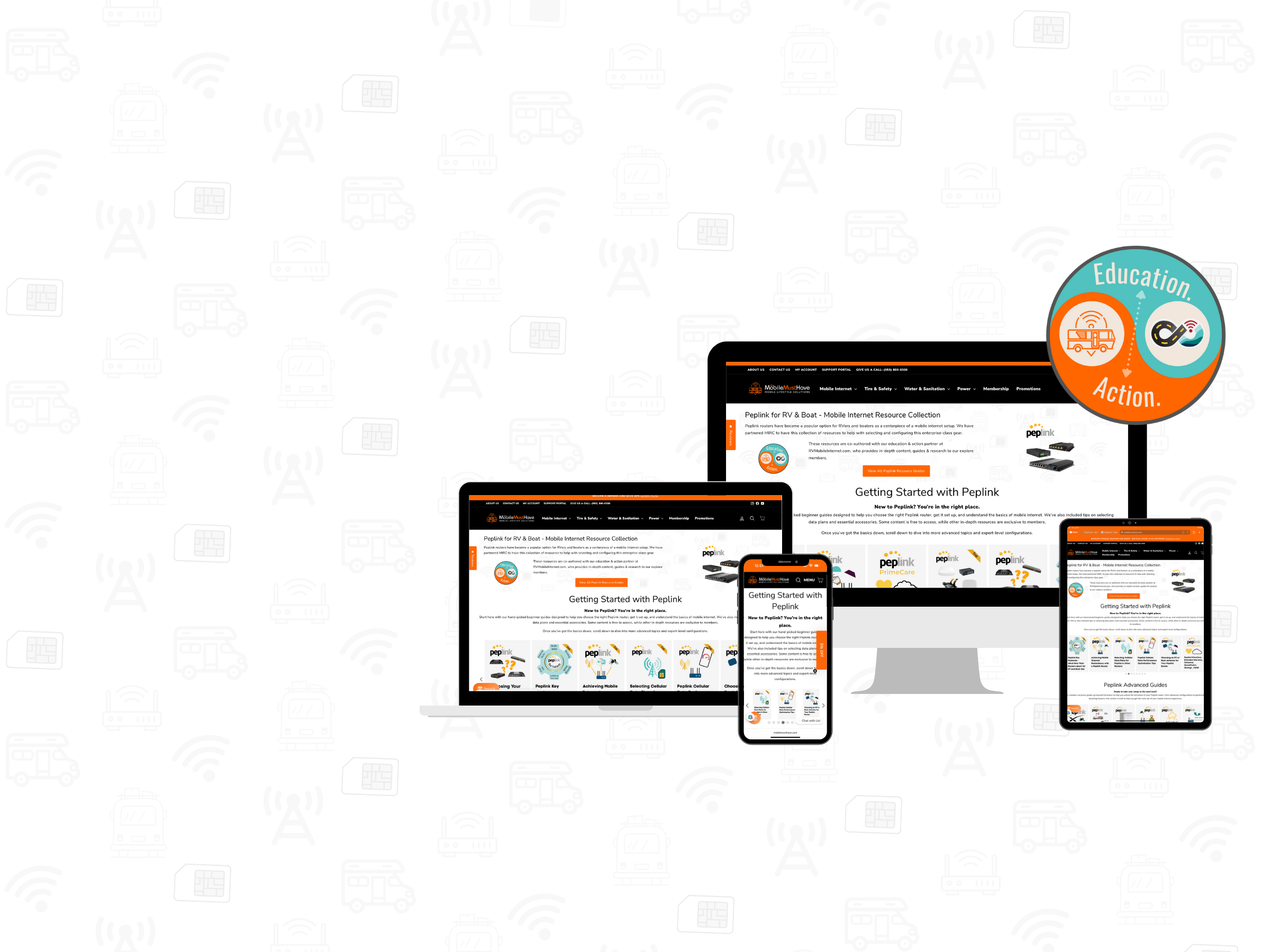

Member Exclusive
Best in Class Guides
We partnered with the Mobile Internet Resource Center (“MIRC”) to create industry-leading How-To Guides and Walk-Throughs. Members get 40+ hours of exclusive video content along with a support forum, not to mention huge discounts storewide!


Consultations
Talk with an Expert
Our team of mobile experts are available to help you pick the right solution. Click below to schedule a phone consultation.

Membership
Join & Save 10%
Access discount pricing not available to the public and save on your first purchase. Exclusive educational content and forum access. Earn 2x reward points on all purchases good towards future items. Membership can pay for itself with your first purchase.


Price Match Guarantee
Never pay more at MobileMustHave; we will match any advertised, authorized, in-stock, price or give you a $50.00 store credit. Terms and Conditions apply.

Education
Want to know even more?
We have partnered with the Mobile Internet Resource Center to help education and answer all your questions about mobile internet. MobileMustHave Members gain exclusive access to content and special discounts. Click below to learn more.


Why Choose Us
Pick the Mobile Internet Experts
The MobileMustHave Team has 50+ years of combined expertise in networking and Information Technology. We are RVers too, and we put each product we sell through rigorous testing in our own RV.
In Case you missed it!
Mobile Internet Bundles
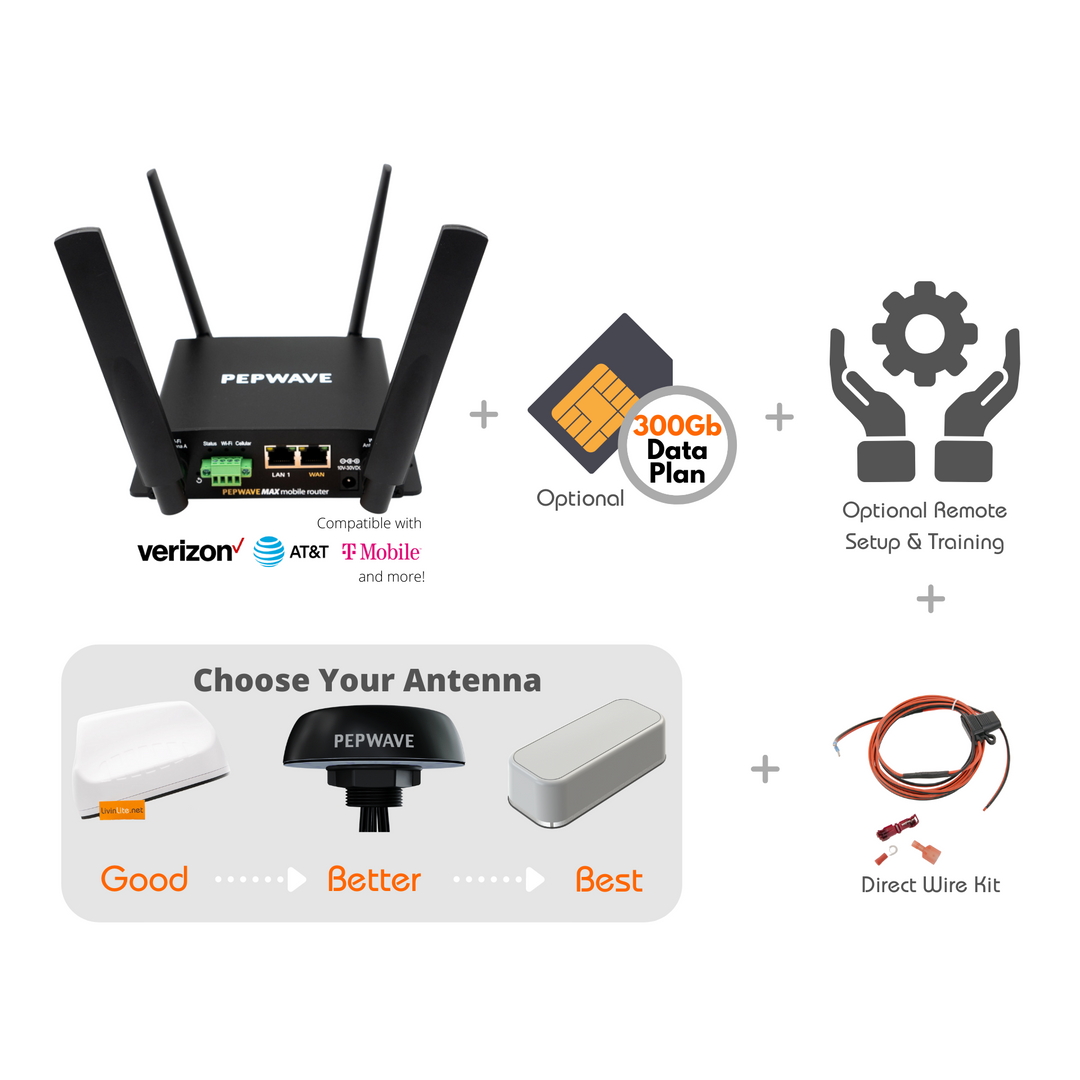
Take the guess work out of selecting components by hand. Our bundles combine everything you need into a single package at a discounted bundle price.
As a streamer and constant using internet I expected this plan to provide more. I can only get 30mbps and it still lags. I now have 2 with my transit duo max and a pepwave 42G antenna, I wanted more out of this plan.
Thanks for taking the time to provide us with your feedback, Marixa. The P1000 plan is a 5G capable data plan, which can hit very high 5G speeds, if you're in a 5G area and if you are using it in a 5G Peplink router. After reviewing your account, it looks like you have the Max Transit Duo, which is a 4G only router, which means that it can only produce 4G LTE speeds. With a 4G only router 30 MBPS is considered to be a very adequate speed output that can handle all kinds of basic internet functions including: Zoom calls, using streaming services, web surfing, email etc.
For more robust use cases like online gaming, or heavy file downloads/ uploads we would usually recommend getting a 5G router to pair with a 5G data plan (like the P1000). That being said, there are some strategies that you could implement to try to improve your signal quality with your Transit Duo. A member of our support team will be reaching out to you shortly to provide some suggestions.
We got the T-Mobile plan while we were in Mesa, AZ. Worked great there as T-Mobile had 5G there. Now we are in Show Low AZ for the month of May. T-Mobile sucks here. Best speeds to date 4mb down and barely 1mb up. Verizon owns the mountain up here.
Frustrating paying for the plan and can't use it. We are using our phones hot spot on Verizon through our PepLink Router.
We have managed to only use 30gb out of the 1000gb plan and most of that was in Mesa.
Again, not a Mobile Must Have Issue. We will see what happens when we get to CO.
Thank you for sharing your feedback, William. We understand your frustration with the internet speeds you've experienced with the T-Mobile plan in certain areas. While our plans are designed to provide reliable connectivity, network performance can vary depending on factors such as tower locations, network congestion, and the availability of 5G coverage in the area.
Every cell provider has its good connectivity areas and bad ones. Your example highlights why redundancy is so important while trying to stay connected on the move. It sounds like you have a solid backup option with the Verizon hotspot, so it seems like you're on the right track.
We hope that you'll experience better performance as you continue your journey to Colorado. Rest assured, we remain committed to providing reliable and high-speed connectivity solutions, and your feedback helps us continuously improve our offerings.
I am very disappointed at this point. My Jetpack works better.
Didn't have to do any setup with Jetpack and it gets far better speed with a 6" square antenna placed in the window.
Have Full Timer bundle with Peplink MAX BR1 MINI Mobile Router (HW3), just did a comparison speedtest from the same location, using same computer.
Jetpack in the window and the MAX BR1 MINI Mobile Router bundled antenna mounted on the roof of RV.
Both devices show same antenna strength.
Jetpack 29ms, 43.01 Mbps download, 21.26 Mbps upload.
Speedtest for Mini 38ms, 2.34 Mbps download, 27.08 Mbps upload. Pretty disappointing.
Jetpack $75
Full Timer bundle $710 +$100 for Wan as Lan license.
Hmm, at 2.34 Mbps how long would it take to use up 300 GB? And how exactly would you use it?
I'm pretty sure you need at least 12 Mbps to watch a movie?
So, I guess the plan is ok, it must be the setup on the equipment.
Just my 2 cents.
Thanks for taking the time to provide feedback on your experience with the Full Timer and Bundle and our R300 data plan. There are several factors that could lead to the BR1 Mini getting different speed test results than your Jetpack, but it's hard to say what the root cause is without taking a deeper look at your router settings and the dynamics of your situation. 2.34 mbps down is not a normal or standard expected average speed output for the router or the data plan, so it's likely that your router's settings need to be adjusted. We have a Support Team here from M-F, 9-6 (EDT) that would be more than happy to take a look at your settings and help you make some adjustments to improve your speeds and user experience. Feel free to reach out to them at info@mobilemusthave.com if you'd like them to give you a hand.