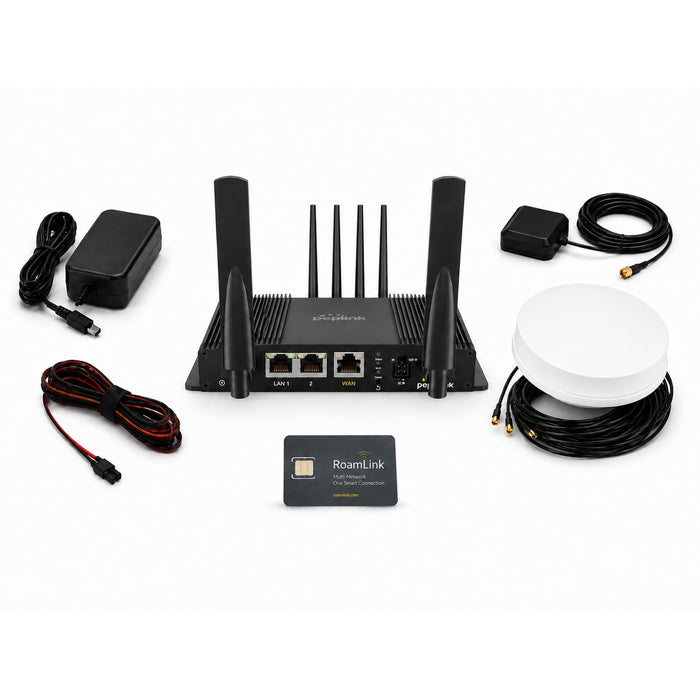
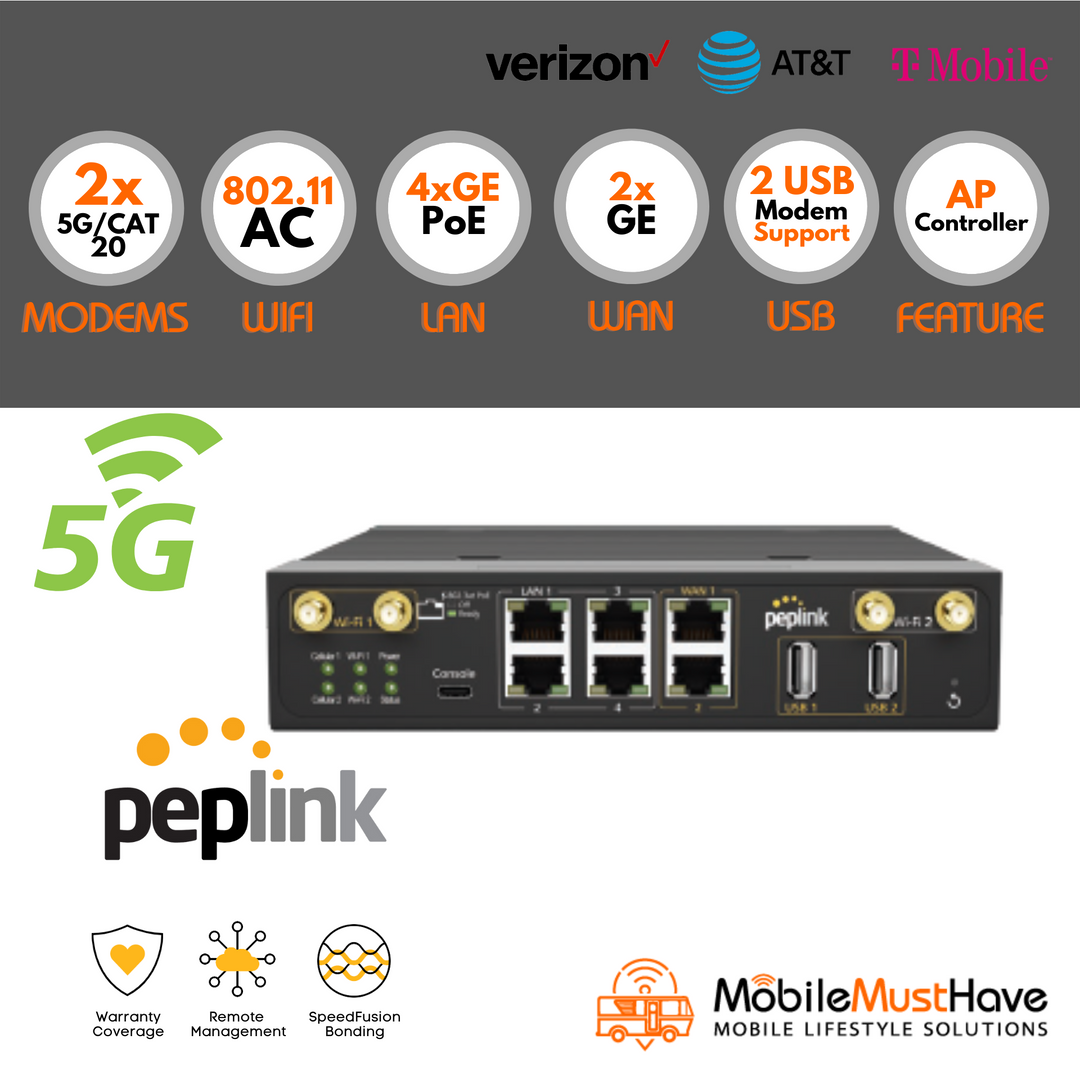
Introducing the Peplink Antenna Max S Bundle
The Peplink Antenna MAX S Complete Bundle provides an integrated rooftop connectivity solution for RVs, mobile installations, and other applications requiring cellular, WiFi, and Starlink connectivity from a single enclosure.
The system combines the weather-resistant Antenna MAX S enclosure, your selected compatible Peplink router, and an optional MobileMustHave Power Bundle designed to simplify power and data delivery to the rooftop system. Add a Starlink Mini for a compact multi-WAN solution with cellular, WiFi-as-WAN, and satellite connectivity.
By placing the router and antennas together at the roofline, the Antenna MAX S helps reduce RF cable loss while minimizing the number of cables that need to be routed into the vehicle.
What's Included
Peplink Antenna MAX S Enclosure
The Antenna MAX S is an IP67-rated rooftop enclosure designed to house a compatible Peplink router alongside a Starlink Mini.
Integrated antenna system includes:
- 4x4 MIMO 5G/LTE cellular antennas
- 2x2 WiFi antennas
- Integrated GPS antenna
- Weather-resistant enclosure for mobile and outdoor installations
Peplink Router
Select a compatible Peplink router when configuring the bundle.
Supported router families include:
- BR1 Mini Series
- BR1 Pro Series
Compatible routers support multi-WAN connectivity using cellular, WiFi-as-WAN, Ethernet WAN, and Starlink depending on the selected router configuration.
MobileMustHave Power Bundle
The MobileMustHave Power Bundle provides the components needed to deliver high-power PoE to the rooftop enclosure while supplying the required DC power to the equipment installed inside.
- ToughSignal Industrial Gigabit PoE++ Splitter 5–36V
- PoE injector with 12-48V DC input
- 12V Fused Power Wire
- 1FT Ethernet Cable
Cables and Mounting Hardware
The bundle includes the mounting and installation components required for the Antenna MAX S configuration, including:
- Enclosure mounting hardware
- Cable glands and fasteners
- Router mounting components
- Starlink Mini cabling
- Required internal connection hardware
Starlink Mini Compatibility
The Antenna MAX S is designed to accommodate a Starlink Mini inside the enclosure alongside the selected Peplink router.
Adding Starlink Mini allows the router to use satellite connectivity alongside cellular and WiFi-as-WAN for additional WAN redundancy and failover options.
Starlink Mini is sold separately unless otherwise specified in the selected bundle configuration.
Typical RV Installation
- Mount the Antenna MAX S enclosure on the RV roof.
- Install the selected Peplink router inside the enclosure.
- Install the Starlink Mini if satellite connectivity is desired.
- Install the ToughSignal power equipment inside the RV when using the Power Bundle.
- Run a single Ethernet cable between the interior PoE equipment and rooftop enclosure.
- Connect the ToughSignal PoE++ splitter inside the enclosure to distribute Ethernet and DC power to the installed equipment.
- Configure the Peplink router for cellular, WiFi-as-WAN, Starlink, or automatic WAN failover.